WindowsOBSStreamlabs
Spawn in as your avatar.
The 3D webcam avatar for streamers who won’t give up a single frame.
Spawnface turns your webcam into a 3D VTuber avatar that lives in your OBS scene. It follows your head, eyes, expressions and hands, and it’s light enough to run next to ranked.
Free to use, with free characters at launch.
The Windows beta opens in small waves.
- ~2.5% CPU
- 30 fps cap
- 0 game hooks
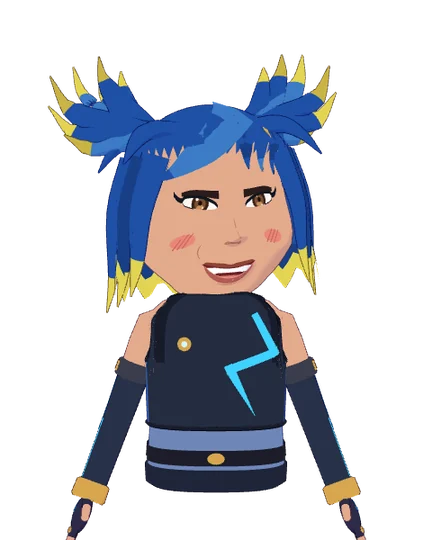
Live preview · move your mouse
Kidlat ⚡ lightning sprinterEpic
Ranked-safe
Built for ranked.
Light enough to forget.
Spawnface is made for people who stream competitive shooters like Valorant. Every part of it is budgeted, so your game keeps the frames and the input latency it had before you went live.
you ⟶ enemy
duo ⟶ enemy
Scroll here and your avatar spawns into the stream. The meter shows what drawing it costs on this page, live.
No FPS tax
Face tracking is capped at 30 fps and uses about 2.5% of your CPU. The rest stays with your game.
A real OBS source
The avatar is drawn on OBS's own GPU through a native source. No browser source, no window capture, no virtual camera.
Never inside your game
No injection, no hooks, no drivers. It runs beside your game the way OBS does.
Low latency, all local
Your webcam goes straight to the tracker on your PC. No cloud, no round trip, nothing uploaded.
Sleeps when you're busy
In the background the app drops to 8 fps, and it draws nothing at all while minimised.
CPU figures are from our own test PCs. Yours depend on your hardware; the beta will publish more.
Wardrobe
Pick a main. Collect the looks.
Five characters and twenty colourways are free at launch. Every colourway repaints the whole avatar: hair, eyes, outfit. Hover a card to catch the foil, or hit Pull! and let the booth choose.
20 free looks at launch · more in the shop
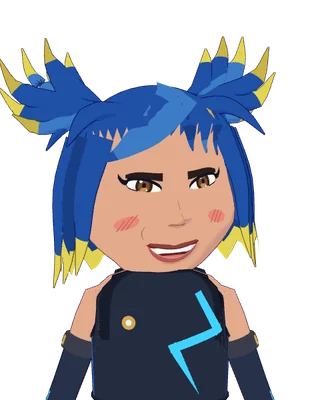
Volt
Kidlat · Epic
Free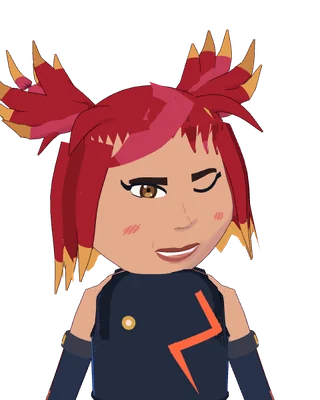
Redline
Kidlat · Rare
Free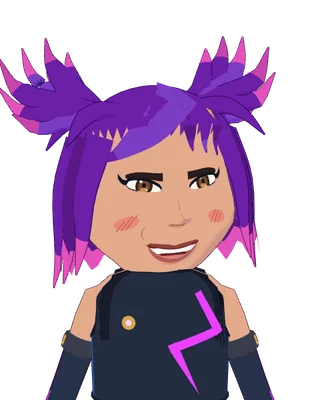
Ultraviolet
Kidlat · Epic
Free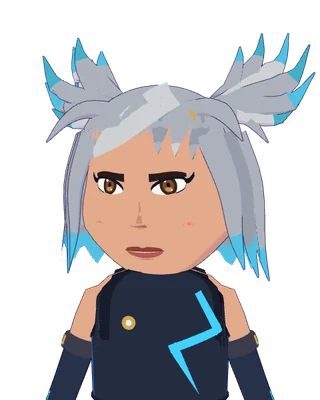
Static
Kidlat · Rare
Free
Kindle
Ogya · Epic
Free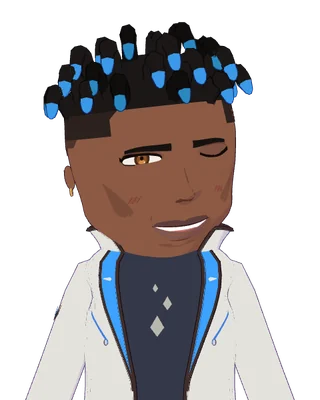
Bluefire
Ogya · Epic
Free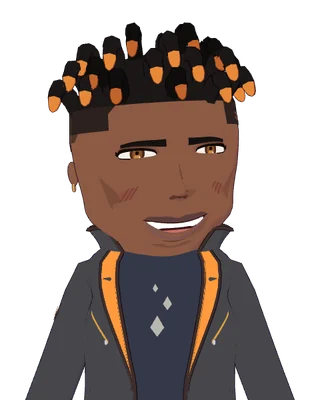
Nightshift
Ogya · Rare
Free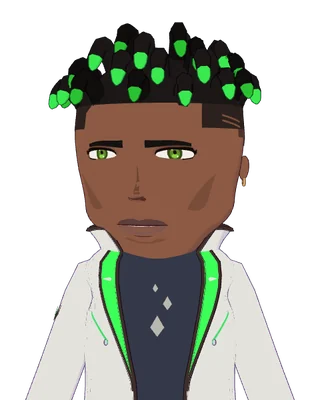
Jade Flame
Ogya · Rare
Free
Workshop
Funke · Epic
Free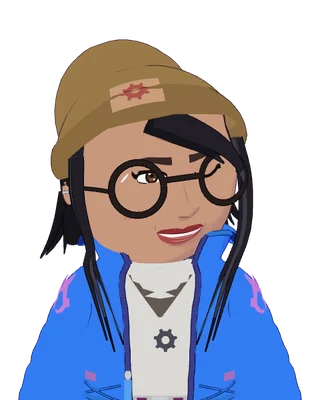
Blueprint
Funke · Epic
Free
Overclock
Funke · Rare
Free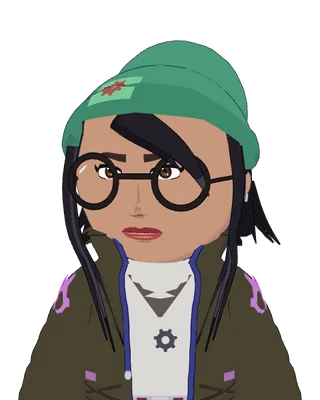
Graphite
Funke · Rare
Free
Tundra
Hauk · Epic
Free
Taiga
Hauk · Epic
Free
Aurora
Hauk · Rare
Free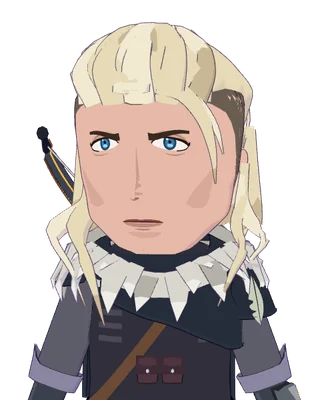
Polar Night
Hauk · Rare
Free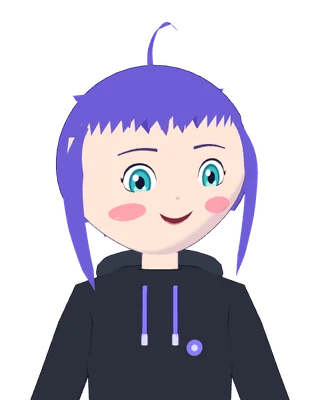
Periwinkle
Mascot · Common
Free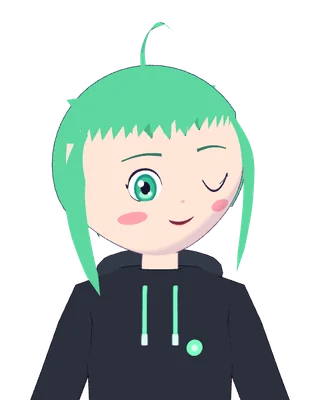
Mint
Mascot · Common
Free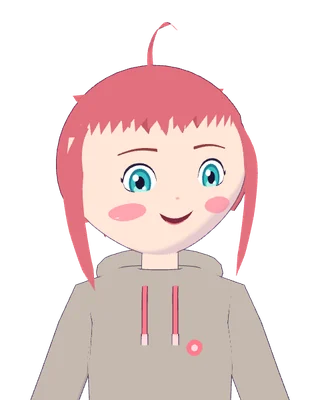
Sunset
Mascot · Rare
Free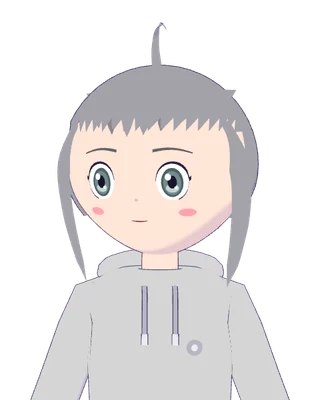
Mono
Mascot · Rare
Free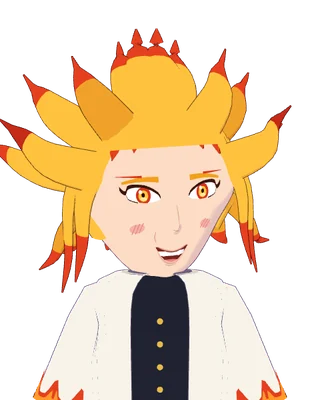
Ember
Kaen · Legendary
Shop dropSoon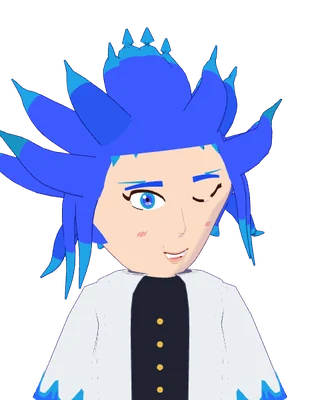
Frost
Kaen · Rare
Shop dropSoon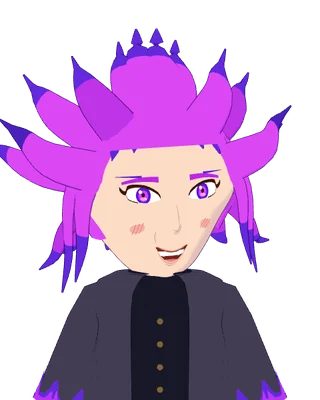
Void
Kaen · Epic
Shop dropSoon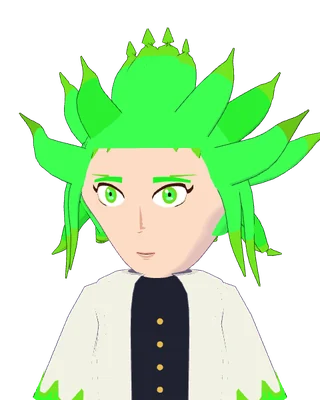
Verdant
Kaen · Rare
Shop dropSoon
How it works
Three steps to on air.
1 Pick your look
Choose a character and a colourway in the booth.
2 Press Start
It checks your camera and face, then adds itself to OBS for you.
3 You're on air
Your avatar follows you while you play. Stop turns the camera off.
Features
Everything your face does. Nothing your game feels.
Every face you pull
Blinks, brows, smiles, cheek puffs and sneers, from the webcam you already have.
Hands up
Your hands show up too: wave, point, or throw a peace sign at chat.
Talks when you talk
The mouth follows your mic, so it lip-syncs even when your face is off camera.
OBS and Streamlabs
One click adds it to your OBS scene. Streamlabs gets a ready-made source address.
Stays on your PC
Camera frames are processed on your PC and never leave it. No account needed to try.
Make it yours
Swap characters and colourways any time, or mix your own colours for each part.
Get in the booth early.
We’re opening the Windows beta to small groups of streamers first. The form takes about a minute: what you play, where you stream, and what you’d want from your avatar.
Join the waitlistWe’ll only email you about beta access.
FAQ
Questions, answered.
Will Spawnface lower my FPS in Valorant or other shooters?
It's built not to. Face tracking is capped at 30 fps and uses about 2.5% of the CPU on our test PCs, the avatar is drawn by OBS through a native source, and the app stops drawing whenever you're not looking at it. We're measuring real matches during the beta and will publish the numbers.
Is it safe to run next to anti-cheat?
Spawnface never touches your game: no injection, no hooks into the game, no drivers. It runs beside your game the way OBS does and only uses your webcam and microphone.
What do I need?
A Windows 10 or 11 PC, a webcam, and OBS Studio 30 or newer (or Streamlabs). No face-tracking hardware and no phone app.
Is it free?
Yes. The app, five characters and twenty colourways are free. Extra looks will be sold in the in-app shop.
Can I import my own VRM or model?
Not at launch. Every look comes from the Spawnface wardrobe, so each one is tested to stay light while you stream.
When can I try it?
The Windows beta opens to people on the waitlist in small groups. Join the waitlist and we'll email you when your spot opens.